Paste clipboard history items in the order they were copied
You can now copy multiple items and paste them in the order they were copied without opening the history window.
ClipBook is positioning itself as a keyboard-first clipboard manager for macOS. This update is the next level of efficiency and productivity you can achieve with ClipBook. You can now copy multiple items and paste them in the order they were copied without opening the history window at all.
Enabling copy sequence
Open the clipboard history window, click the Sort icon, and enable sorting by Copy Sequence as shown in the screenshot below.
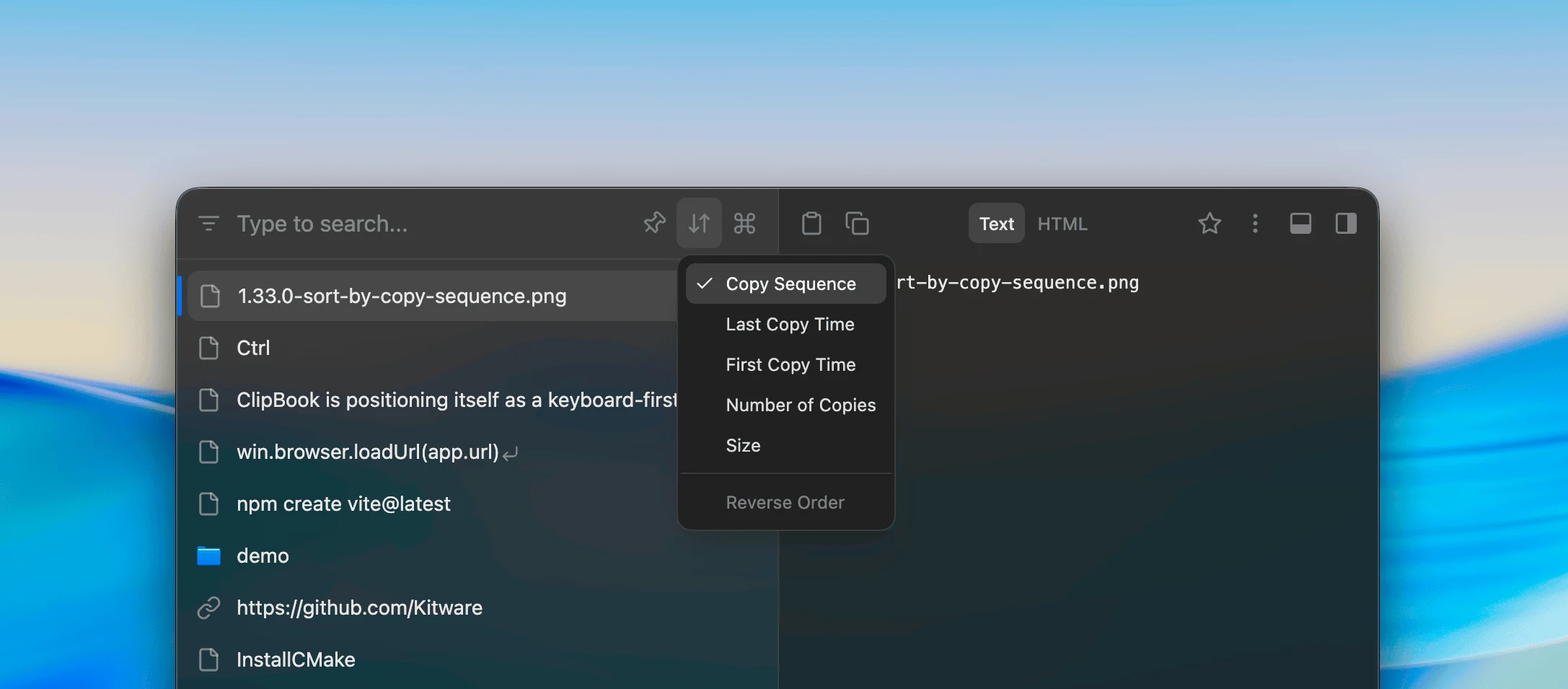
How it works
When you copy multiple items and it takes less than 30 seconds between the copies, the items will be treated as a single copy sequence and will be stored in the clipboard history in the order they were copied.
You can paste the items directly into the active applicationby pressing ^V without opening the history window. The items will be pasted in the order they were copied as shown in the video below:
Paste items instantly without opening the history window. Experience a truly keyboard-first workflow with ClipBook.
That’s all in this update. If you have any suggestions or feature requests, please feel free to submit it on the Feedback page.